The Third-Day Dropoff
Starting a fitness routine is easy on Monday morning. By Thursday, when fatigue sets in, closing static three-color calorie rings feels impersonal and unrewarding. Most people who abandon workout habits do so within their first two weeks because numbers on a dial do not create an emotional connection.
During Challenge 1 at Apple Developer Academy, my first development sprint in the Apple ecosystem, I wanted to explore a different kind of feedback loop: KoalaFit.
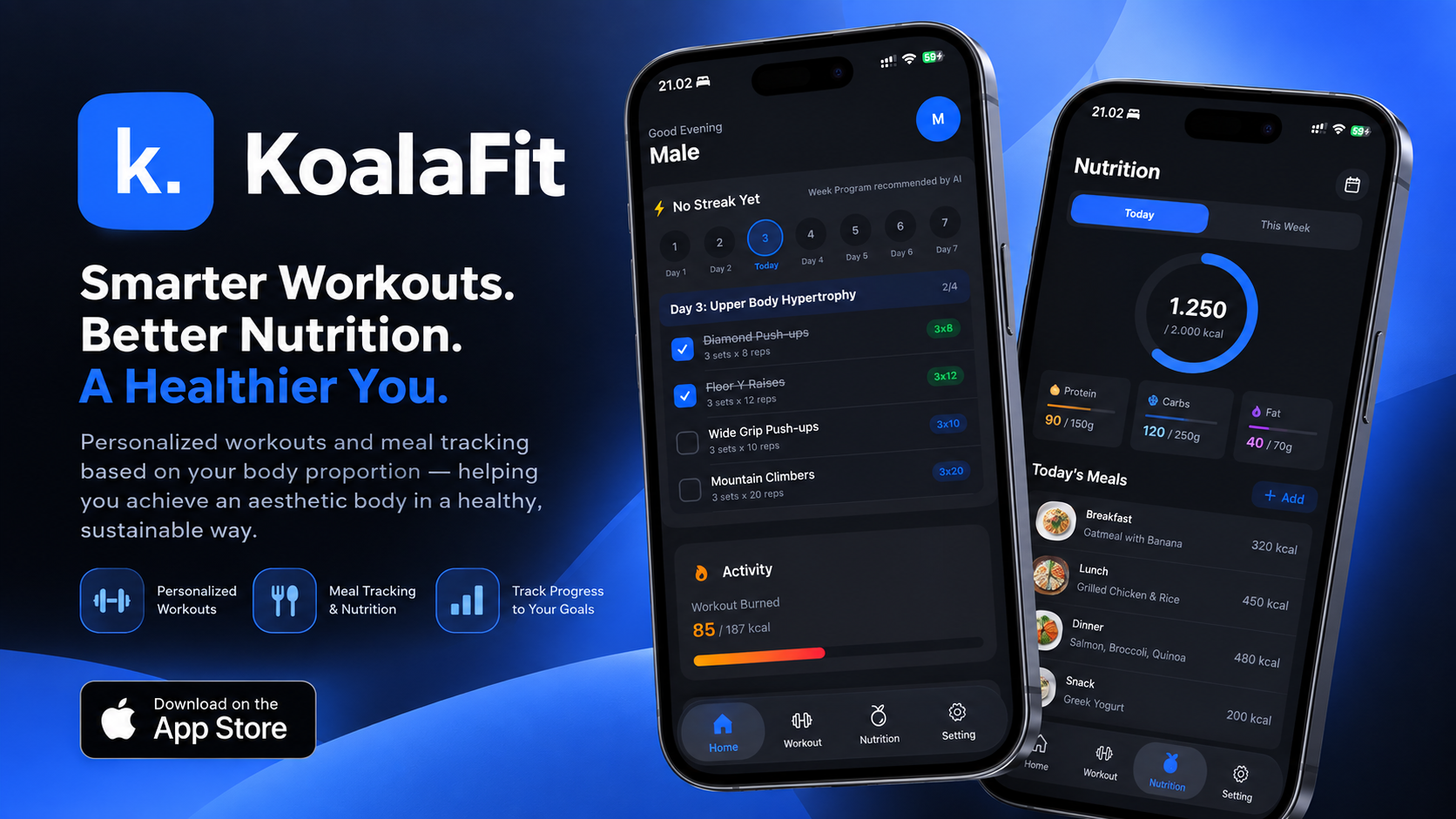
Instead of displaying another dry table of calorie metrics, KoalaFit connects live optical heart rate and calorie telemetry from Apple HealthKit directly to an animated digital avatar. When you work out consistently, your companion thrives with energetic animations; when you skip training, its posture visibly slumps.
Apple Watch Optical Sensors
            │
            ▼
    HKWorkoutSession & Live Builder
   (Heart Rate & Active Energy Burned)
            │
            ▼
    The watchOS Battery Dilemma
   (Continuous high-frequency polling
    drains the battery before noon)
            │
            ▼
  Event-Driven HealthStoreManager
  ├── Threshold-based avatar state machine
  └── Single-glance SwiftUI ContentView
            │
            ▼
   WatchConnectivity (WCSession)
   (Transfers completed workout summaries)
            │
            ▼
  iPhone Progression & Habit Dashboard
Treating the Apple Watch Like a Small iPhone
Coming from traditional mobile development, my naive initial assumption was that watchOS was simply iOS with a smaller screen.
Our first prototype reflected that flawed assumption:
- We built nested navigation stacks with multiple drill-down lists.
- We set up continuous sensor polling loops checking biometric values every second.
- We attempted to stream raw per-second sensor updates to the paired iPhone in real time.
When I deployed that build to a physical Apple Watch Series 9, the hardware showed us why watchOS development requires a completely different mindset. The device warmed up against the wrist, navigating menus on a 45mm screen was clumsy, and continuous background polling drained the watch battery within two hours.
How do we keep an avatar responsive on the wrist without draining the battery before lunchtime?
Event-Driven HealthKit Telemetry
To protect battery life, I rewrote the data pipeline to rely on event-driven HealthKit session hooks rather than active polling.
HealthStoreManager.swift manages an active HKWorkoutSession paired with HKLiveWorkoutBuilder:
final class HealthStoreManager: NSObject, ObservableObject {
    private let healthStore = HKHealthStore()
    private var session: HKWorkoutSession?
    private var builder: HKLiveWorkoutBuilder?

    @Published var currentHeartRate: Double = 0.0
    @Published var activeCalories: Double = 0.0

    func startWorkout() {
        let configuration = HKWorkoutConfiguration()
        configuration.activityType = .functionalStrengthTraining
        configuration.locationType = .indoor

        do {
            session = try HKWorkoutSession(healthStore: healthStore, configuration: configuration)
            builder = session?.associatedWorkoutBuilder()
            builder?.dataSource = HKLiveWorkoutDataSource(healthStore: healthStore, workoutConfiguration: configuration)

            builder?.delegate = self
            session?.startActivity(with: Date())
            builder?.beginCollection(withStart: Date()) { success, error in
                // HealthKit now pushes samples asynchronously
            }
        } catch {
            print("Workout session initialization failed: \(error.localizedDescription)")
        }
    }
}
Instead of running an active timer loop, watchOS pushes new biometric quantities as optical sensor thresholds change.
The avatar state machine listens to these updates declaratively:
- Heart rate elevating into cardio zones triggers energetic workout animation sprites.
- Active calories accumulating towards daily targets transition the avatar into celebrating states.
- Session completion bundles total energy burn and duration, resetting hardware sensors immediately.
Glanceable UI and Dual-Target Architecture
Apple Watch interactions last between two and five seconds. If a user has to swipe three times during a bench press to check their status, the app has failed.
In ContentView.swift, I stripped out all nested menus. The display presents three essential elements in a single screen: the animated avatar, current heart rate, and elapsed workout time.
Long-term habit logs and weekly progression charts belong on a phone display. I split the codebase into two targets connected via WatchConnectivity:
BodyCraft Workspace
├── KoalaFit Watch App Target
│   ├── BodyCraft_Watch_AppApp.swift
│   ├── HealthStoreManager.swift      // Live HealthKit workout collection
│   ├── WatchSyncService.swift        // WCSession post-session sender
│   └── ContentView.swift             // Glanceable avatar & pulse display
│
└── KoalaFit iOS Target
    ├── ViewModels/                   // Weekly streak & habit aggregation
    ├── Views/                        // Progression charts & session calendar
    └── Services/                     // WCSession receiver & local store
During a workout, the Watch operates completely independently. When the session concludes, WatchSyncService.swift sends a lightweight summary dictionary over WCSession. The iPhone receiver catches the payload in the background, updating streak calendars without interrupting the user.
Shipped to the App Store
KoalaFit was not just a simulator prototype. We prepared the application for production, declaring HealthKit usage privacy strings, configuring background execution capabilities, and passing Apple’s App Store review guidelines:
- App Store listing: KoalaFit on the App Store
What I Learned
As my first challenge at Apple Developer Academy, KoalaFit taught me that developing for wearables is about restraint.
The Apple Watch is not a miniature smartphone. It is an ambient sensor hub designed for brief, glanceable interactions. Designing software around battery budgets, leaning on system event builders, and letting sensor changes drive interface states laid the architectural groundwork for my later computer vision work on Footsal and RONA.